Change or cancel your plan
Your plan lives in Account, under Plan. From there you can move between monthly and yearly billing, cancel, or open billing to change your card and find your invoices.
What you need
A paid plan. Unlimited is $15 a month or $99 a year.
A minute.
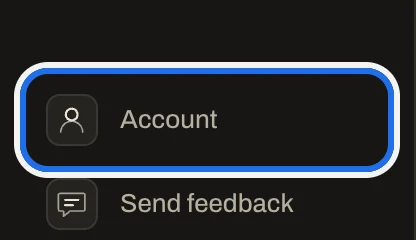
1. Open Account
Press Account near the bottom of the sidebar. On a phone, tap More at the top of the screen, then Account.
2. Find your plan
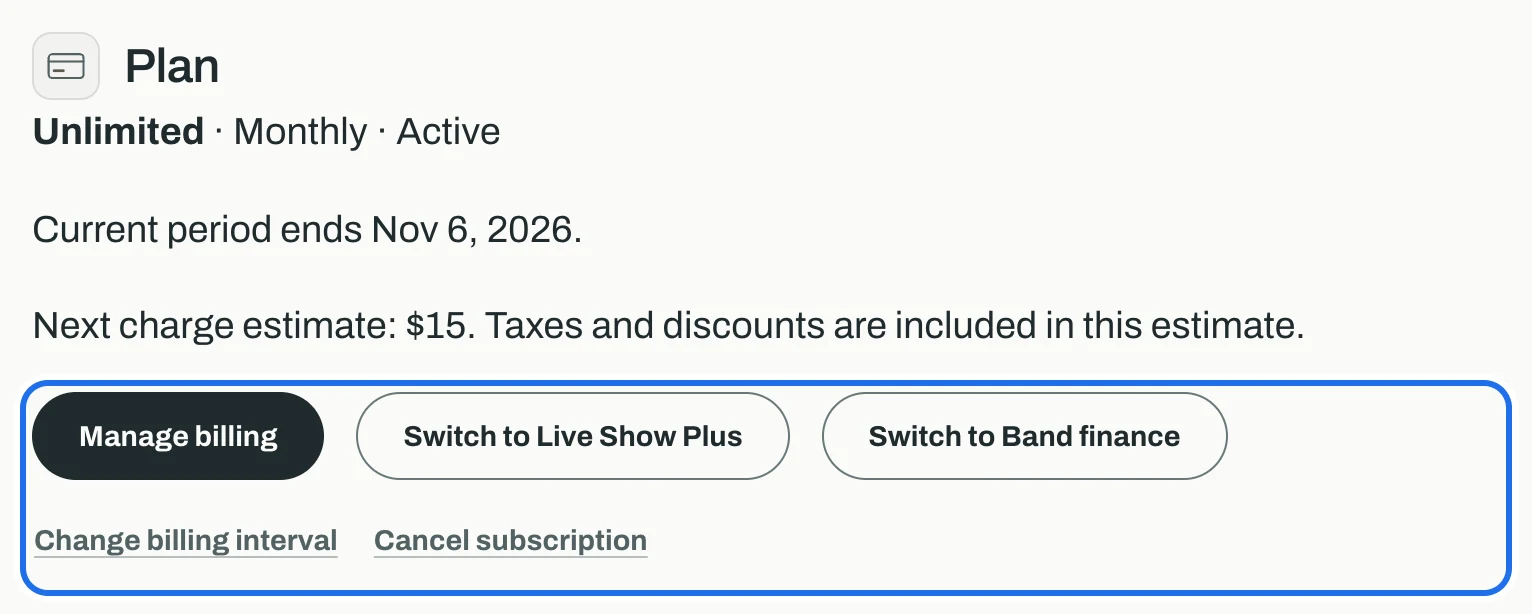
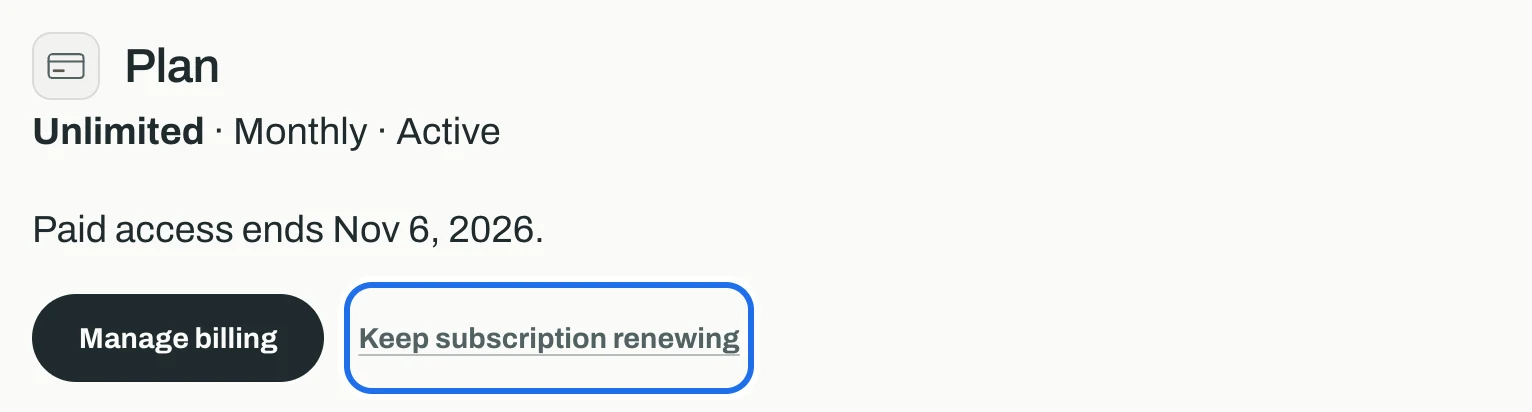
Plan shows what you are on, how it is billed, when the current period ends and an estimate of the next charge. The buttons under it change the plan.
3. Switch between monthly and yearly
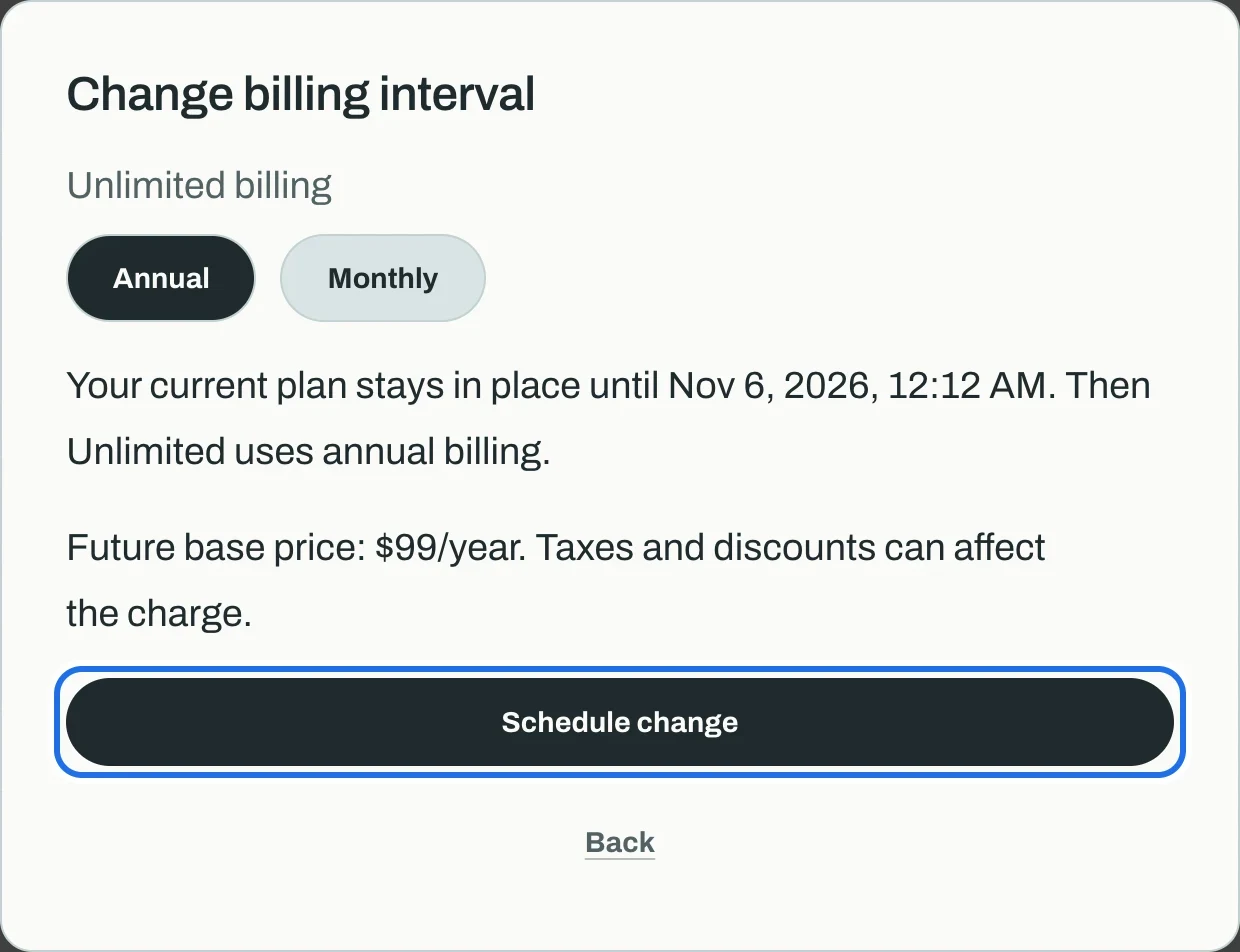
Press Change billing interval, choose Annual or Monthly, read the price it shows, and press Schedule change. Your current plan stays in place until the end of the period you have paid for, and the new billing starts then.
4. Cancel
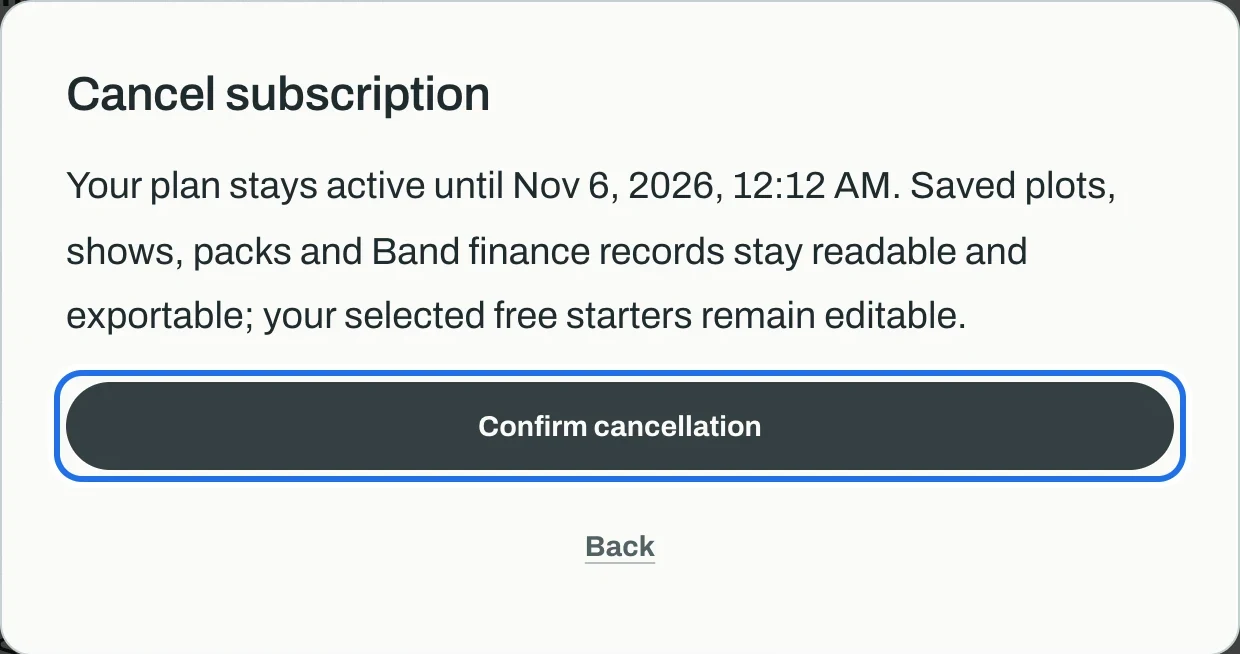
Press Cancel subscription, then Confirm cancellation. Nothing ends straight away: the plan stays active until the end of the period, and what you made stays readable and exportable. The window confirms the date paid access ends; press Close.
5. Changed your mind?
Until the period ends, Plan says when paid access ends and shows Keep subscription renewing. Press it, then Keep renewing, and the plan carries on as before.
6. Change your card or find an invoice
Press Manage billing. It opens Stripe's billing page, where Wallet holds your card and History your invoices and receipts. Use the back link at the top to return.